PROGESPLUS
Online help, sensors, data loggers and software Thermotrack
Products

Online help, sensors, data loggers and software Thermotrack

Thomas Queva 4 min read

Need help with Thermotrack? To make it easier to install and set up your Thermo Bouton temperature data loggers, your temperature probes and your Thermotrack software, Plug and Track has set up a help site at support.plugandtrack.com.

Cubes en bois qui décrit le processus de reflexion

How do I use the Thermotrack online help?

Ask your question directly in the built-in search engine. Enter the first few letters to access the most relevant results according to your request.

Do you have a very specific issue in mind? The search tool lets you look directly for the topic you are interested in. Type the first few letters to access the most relevant results according to your request.
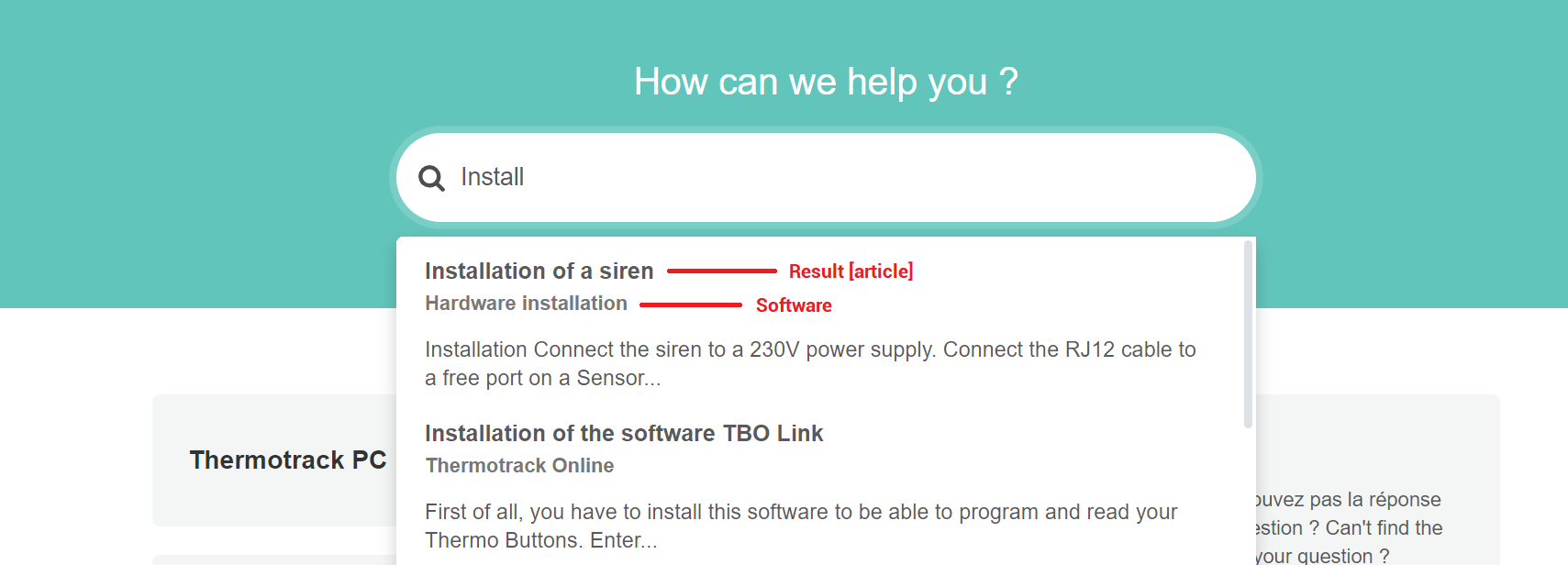
Online help Plug and Track
The search engine built into the Thermotrack online help site.

Where can I find the installation manual for my software on the Thermotrack online help site?

From the home page of the knowledge base, you have access to the different Plug and Track products and software:

Within each page, you will find the different installation steps, the user guide and the technical notes. These notes are a first-rate resource for every topic related to the technical support of your Plug and Track solutions.
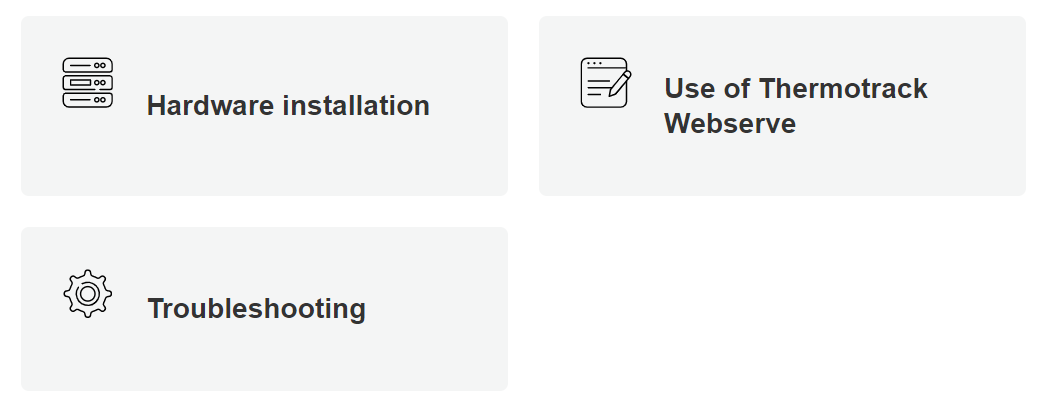
Online support Plug and Track
The knowledge base home page and its product categories.

What if I cannot find the answer on the technical support site?

Our resources on our technical support site are updated regularly. However, if you do not find the answer to your question, our teams are at your disposal.

Send your message here or call Plug and Track on +33 3 20 64 63 63.

Frequently asked questions

Where is the Thermotrack online help?

The Plug and Track help site is available at support.plugandtrack.com. It was set up to make it easier to install and set up Thermo Bouton temperature data loggers, temperature probes and Thermotrack software.

How do I ask a question on the online help site?

Ask your question directly in the search engine built into the site. Enter the first few letters to access the most relevant results according to your request.

How do I search for a specific topic?

The search tool lets you look directly for the topic you are interested in. Type the first few letters of the topic to access the most relevant results according to your request.

Which products and software does the knowledge base cover?

From the home page of the knowledge base, you have access to the different Plug and Track products and software: Thermotrack PC, Thermotrack Webserve, Thermotrack Online, Thermotrack Mobile, Thermoscan IP and WeeziDot.

What does each product page contain?

Each page brings together the different installation steps, the user guide and the technical notes.

Where can I find the installation manual for my software?

The installation manual is in the page dedicated to your software, reachable from the home page of the knowledge base. Each page sets out the installation steps to follow for your hardware.

What are the technical notes for?

The technical notes are a first-rate resource for every topic related to the technical support of your Plug and Track solutions. They complement the user guide and the installation steps.

What should I do if I cannot find the answer on the technical support site?

The resources on the technical support site are updated regularly. If you still cannot find the answer to your question, the Plug and Track teams are at your disposal: send your message or call +33 3 20 64 63 63.

A question about this topic?

Our technical team is here to answer your questions and support you in choosing, deploying and monitoring your solution.

Contact expert enregistreurs autonomes et temps réel
  • This field is for validation purposes and should be left unchanged.
  • This field is hidden when viewing the form
    {referer}